
To customize the navigation bar with different font types and sizes, you'll need to modify the CSS file linked to your HTML file.
Here's a basic example of how you can do this:
```css .navbar { font-family: Arial, sans-serif; /* Change 'Arial' to your desired font */ font-size: 20px; /* Change '20px' to your desired size */ } ```
In this example, `.navbar` should be the class of your navigation bar. Replace it with the actual class name you're using.
To find the CSS file:
1. Open your HTML file and look for a line similar to this: ` `. The `href` attribute contains the path to your CSS file.
2. If your CSS file is in the same directory as your HTML file, it will be just the file name (e.g., "styles.css"). If it's in a subdirectory, it will include the directory name (e.g., "css/styles.css").
3. If you can't find a line like the one above, the CSS might be written directly in the HTML file, inside a `
It seems like you're working with a platform that doesn't allow direct access to HTML or CSS files. However, you can usually customize the navigation bar in the platform's settings or design interface.
If you want to change the font types and sizes, look for a section in the settings or design interface that allows you to change the font. This is usually under a section called "Typography", "Fonts", or "Text".
If you're unable to find these options, you might need to contact the support team of clicksites.ai for more detailed instructions on how to customize your website.
You can customize the navigation bar in your CSS file. Here's a basic example of how you can do it:
/* This is how you can set the font type */
.navbar {
  font-family: Arial, sans-serif;
}

/* This is how you can set the font size */
.navbar a {
  font-size: 18px;
}
Replace 'Arial, sans-serif' with the font type you want to use, and replace '18px' with the desired font size.
Remember to replace '.navbar' and '.navbar a' with the actual classes or IDs of your navigation bar and its links. If you want to apply the style to all links within the navbar, use '.navbar a'. If you want to apply the style to the entire navbar, use just '.navbar'.
Remember, if the font you want to use is not a common font, you will need to import it.
You can do this by using a `@import` statement at the top of your CSS file or by linking to an external CSS file in your HTML. For example:
@import url('https://fonts.googleapis.com/css2?family=Roboto:wght@400;700&display=swap');

.navbar {
  font-family: 'Roboto', sans-serif;
}
This code imports the 'Roboto' font from Google Fonts and then applies it to the navigation bar.
Art Meets Commerce at Arobiarts Studios
Transforming creativity into collectible experiences
About Us
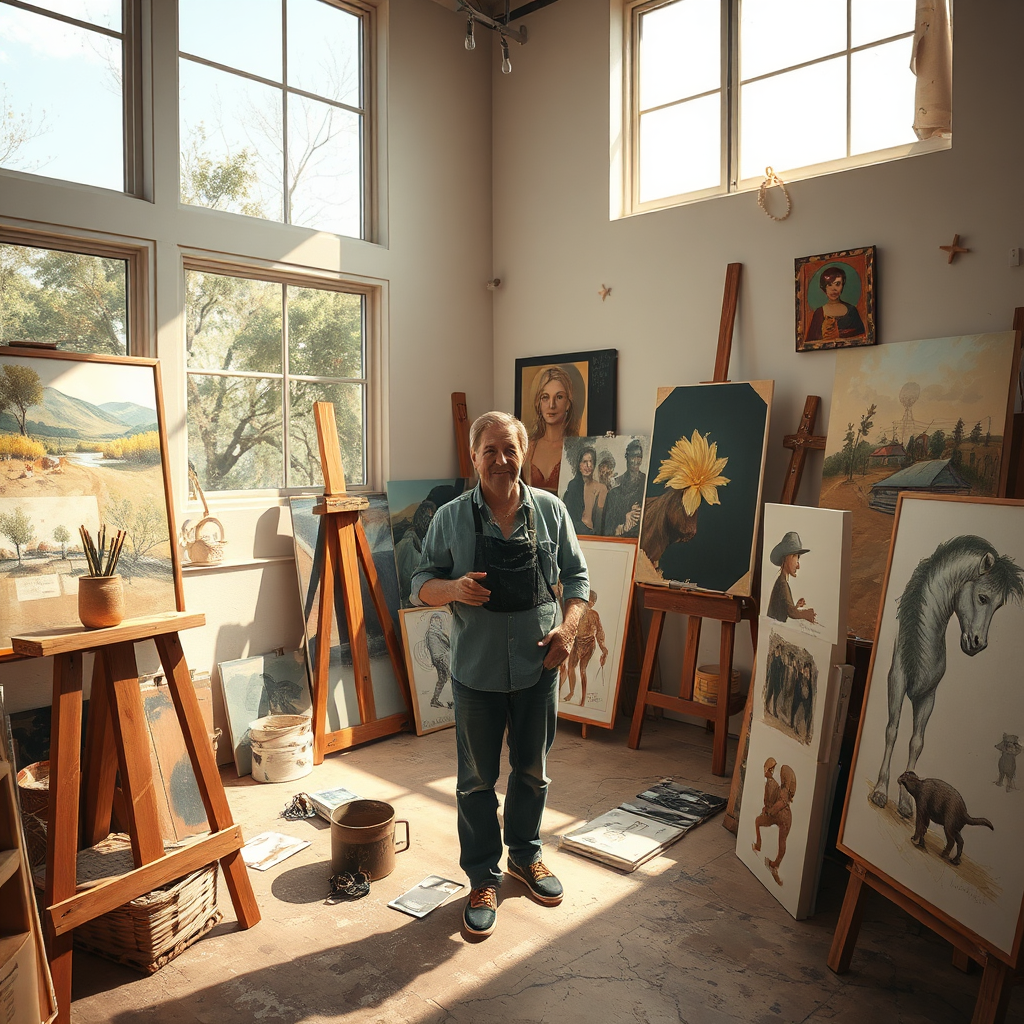
At Arobiarts Studios, we showcase my artwork while seamlessly connecting creativity with commerce. Our mission is to inspire art enthusiasts and collectors through unique pieces that tell captivating stories, bridging the gap between art and the shopping experience.
Embrace Creativity: Showcasing My Artwork for Sale
Discover a realm where imagination springs to life. Our artworks reflect the soul of creativity, inviting admiration and fostering connections.

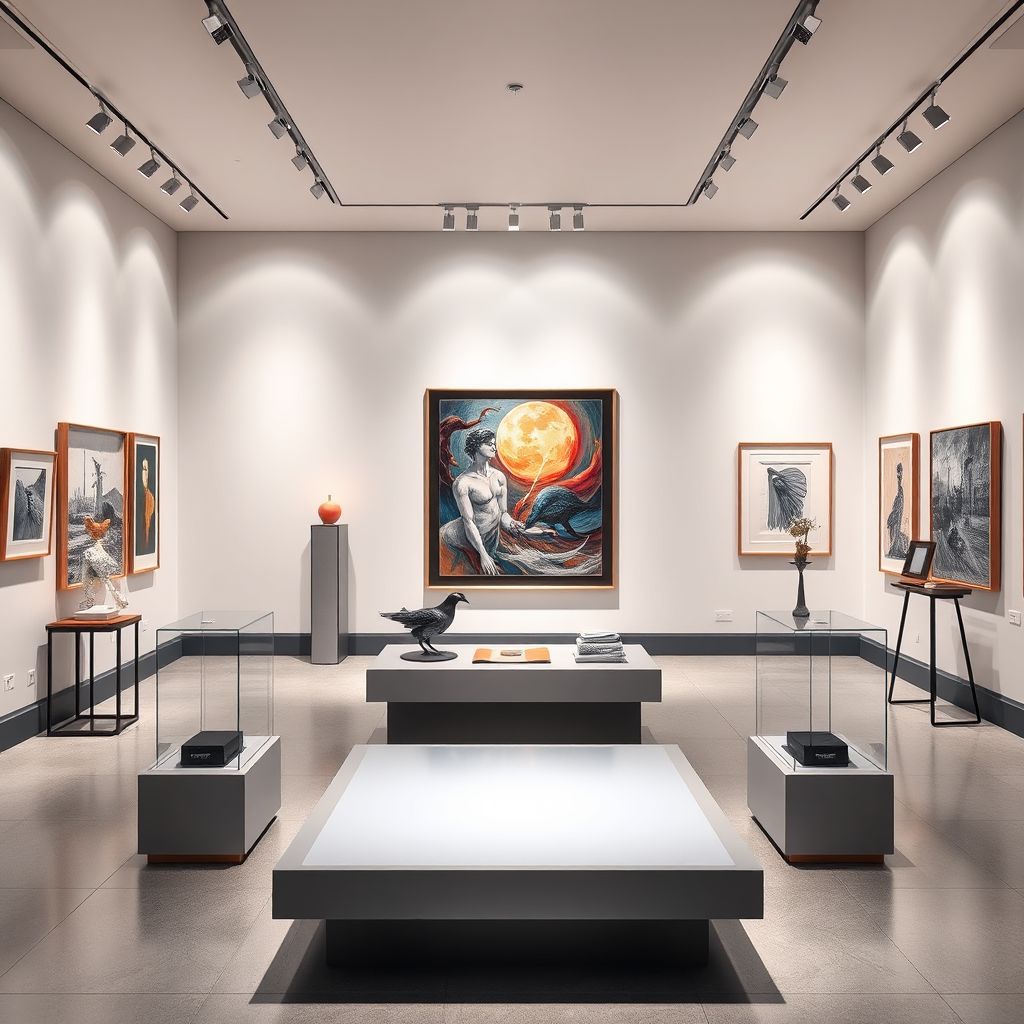
Explore the idea of art as a unique investment, where every piece tells a powerful story and holds its own value.
Every artwork featured is a connection waiting to happen. Find pieces that resonate with your personal journey.
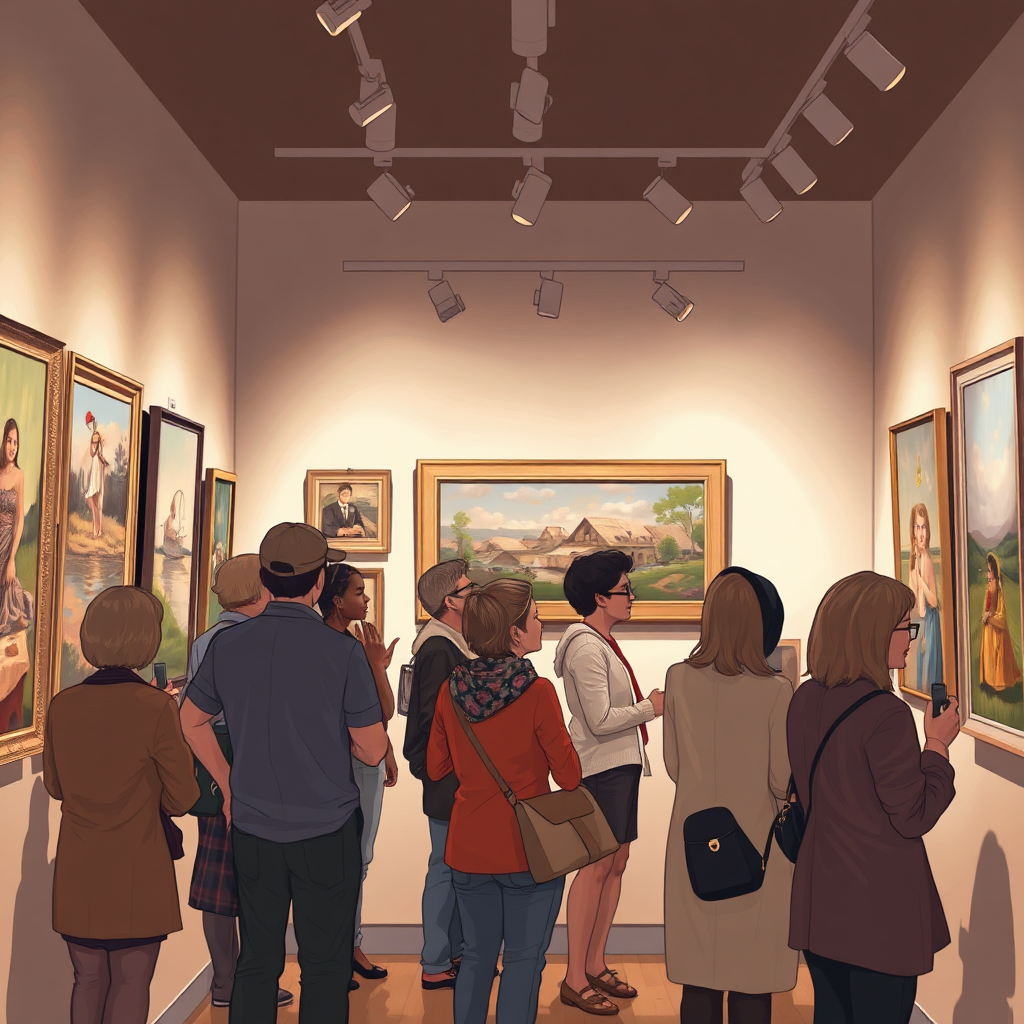
From Canvas to Commerce: Discover My Artistic Creations
Experience artwork crafted with passion and purpose, bridging the gap from creation to consumer.
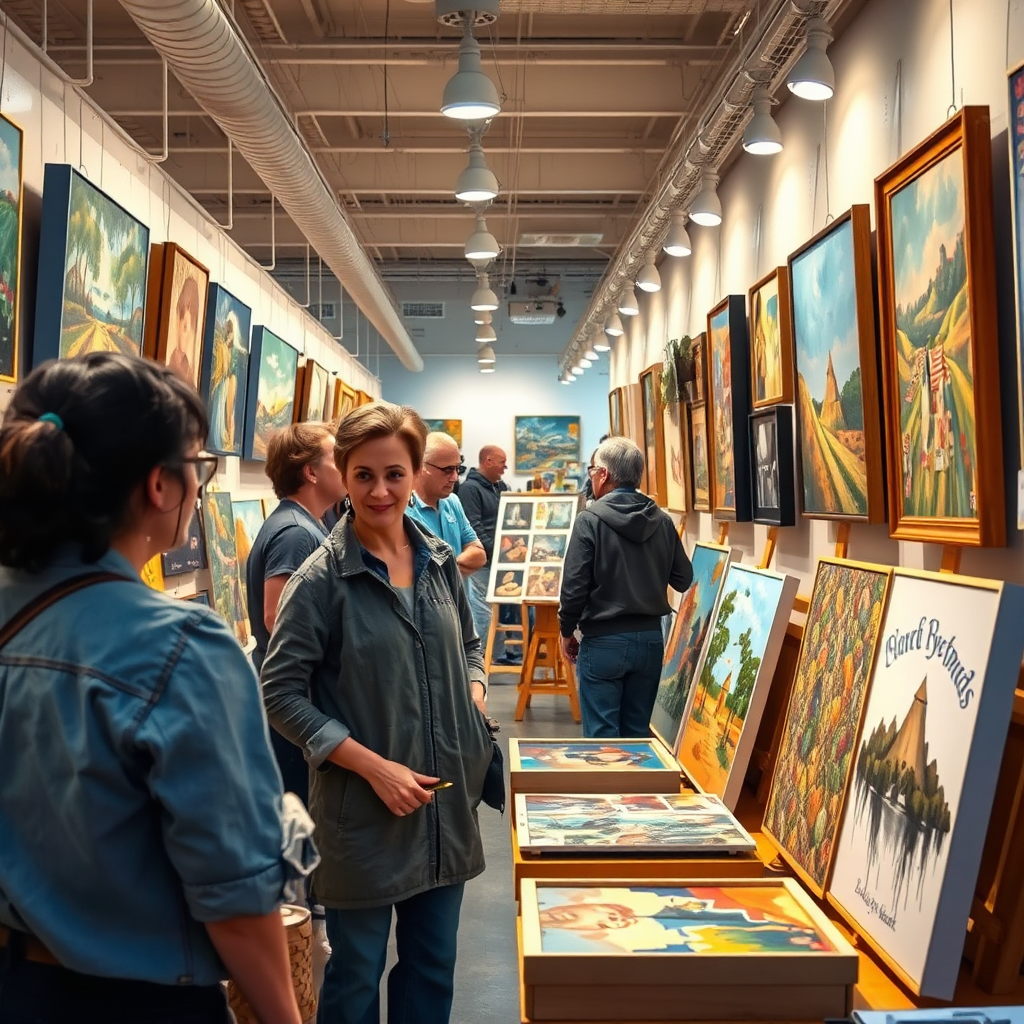
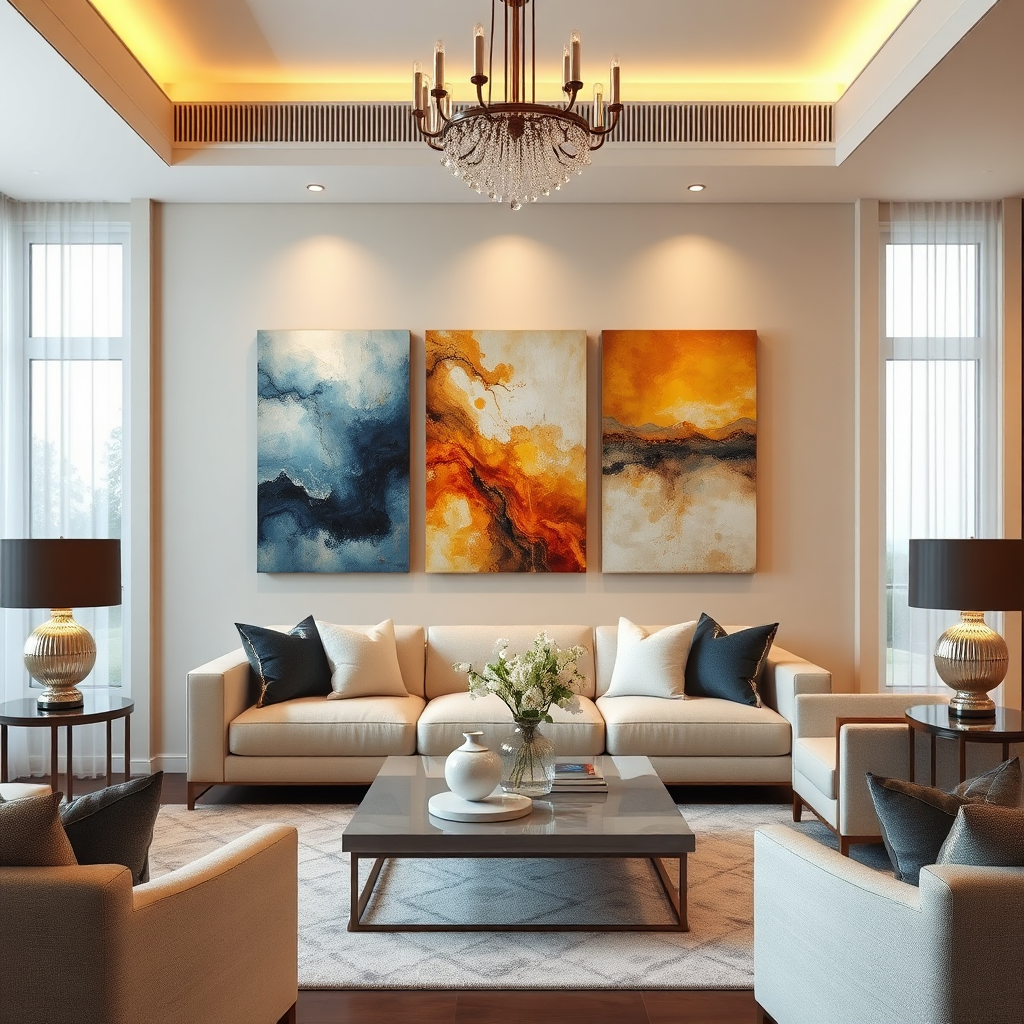
Explore unique pieces that can become part of your story, enhancing your space with personal meaning.
Join us as we explore unique collaborations, expanding the world of art and commerce.

Explore My Artwork: Connecting Passion with Purchase
Each artwork reflects a journey of passion and creativity, waiting to find its home.
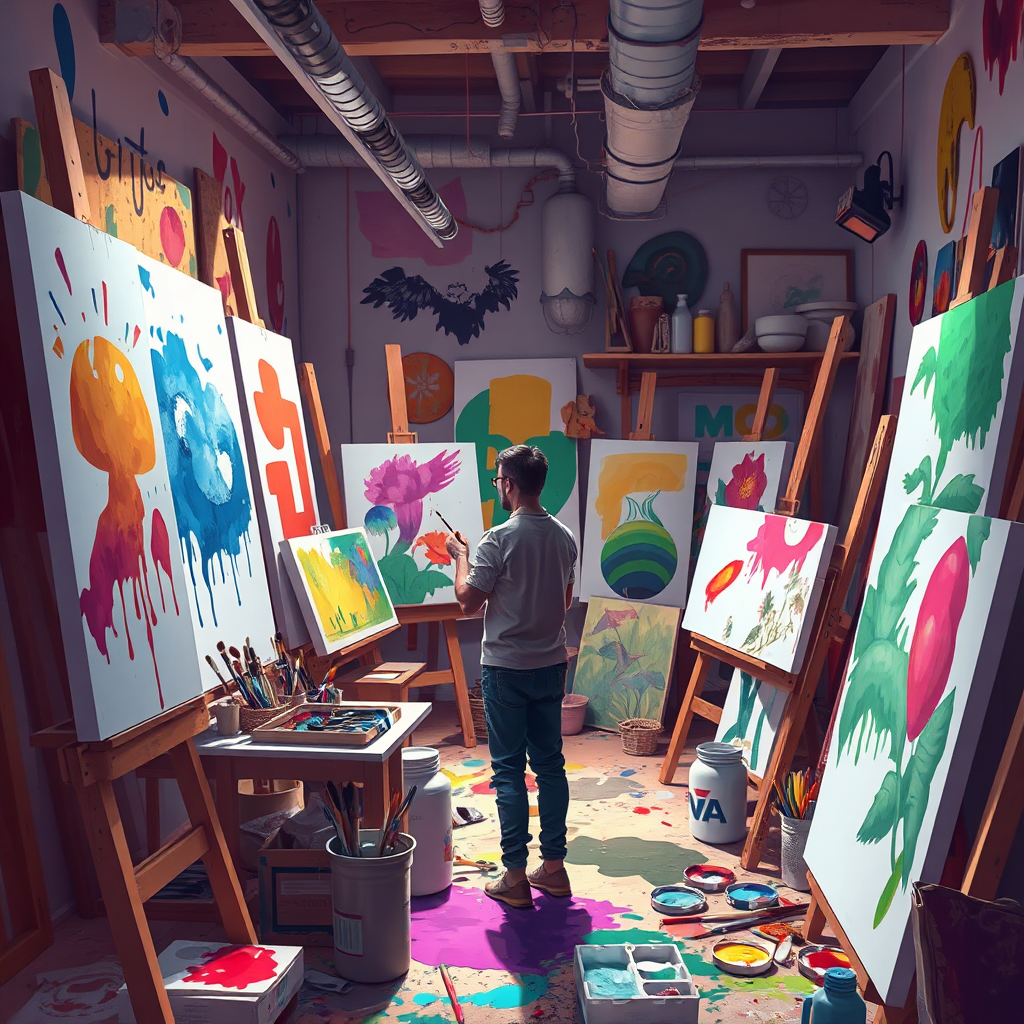
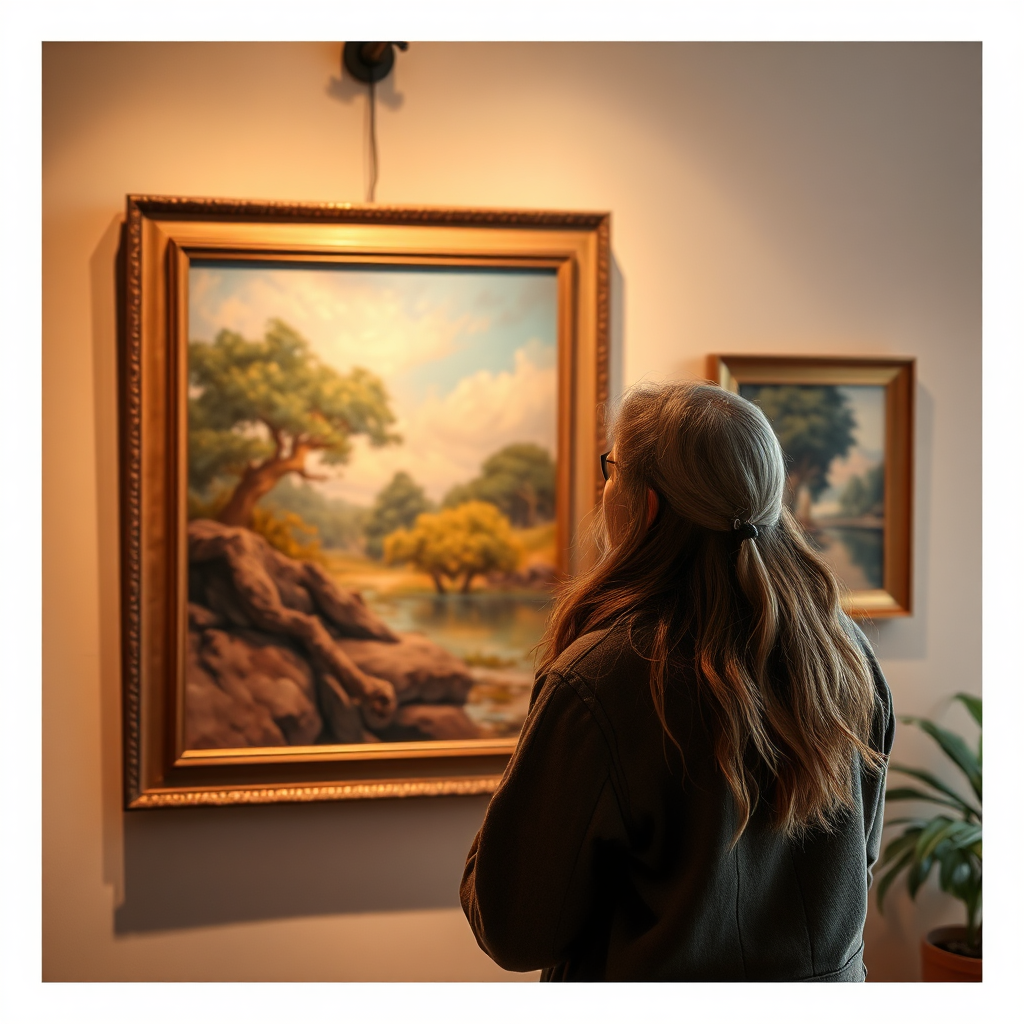
Every piece is an invitation to feel and connect with art on a personal level.
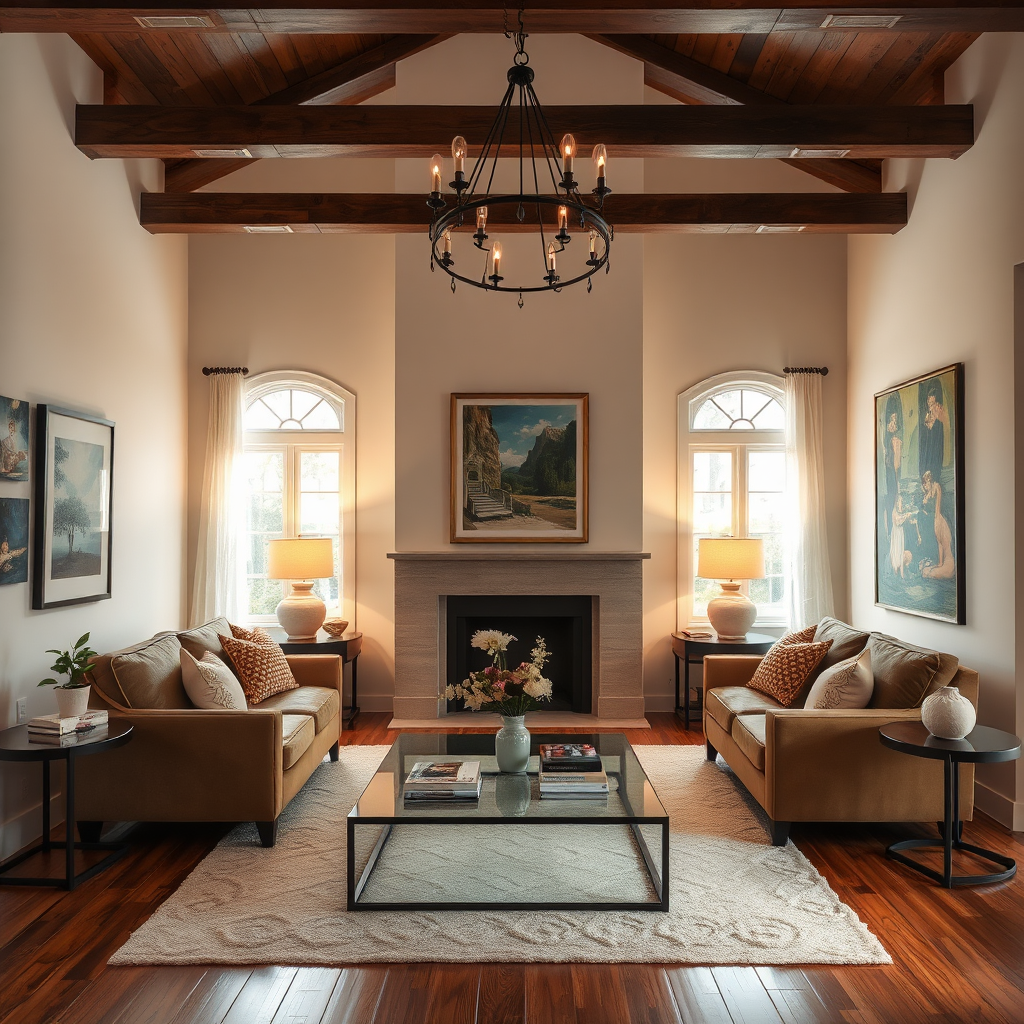
Witness how art can completely transform a space, making it your own.
Our Services
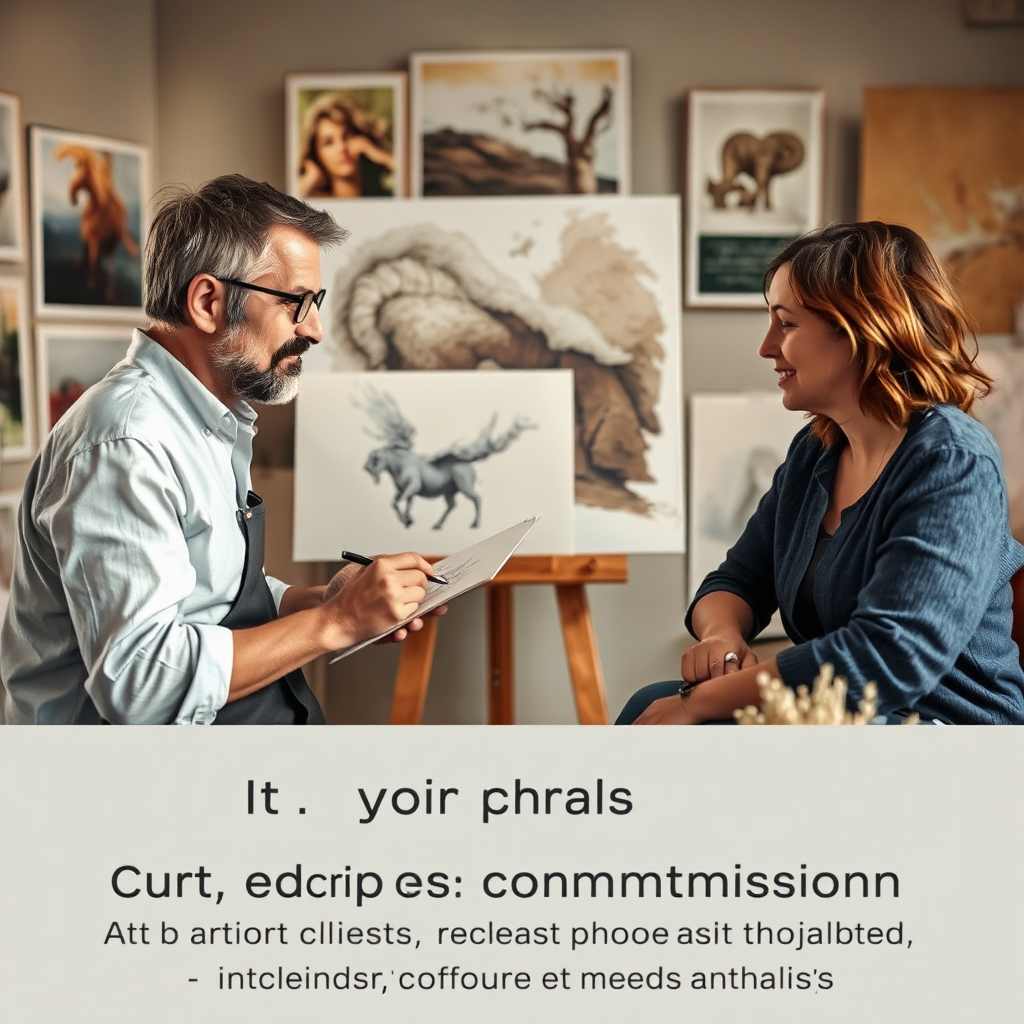
Custom Commissions
Tailored artworks created to fit your vision and space perfectly.
Art Sales
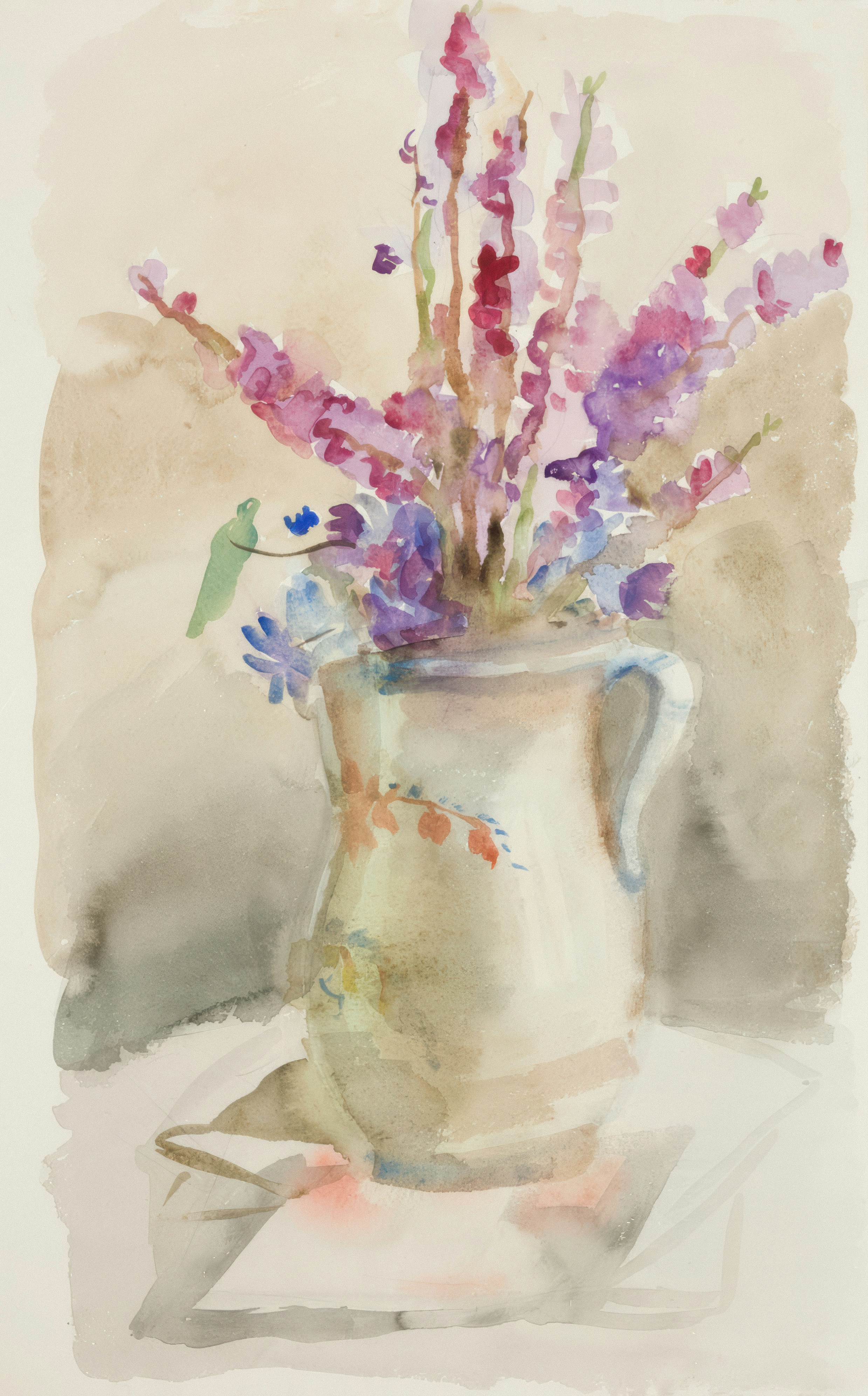
Explore our curated selection of original and limited edition artworks available for purchase.

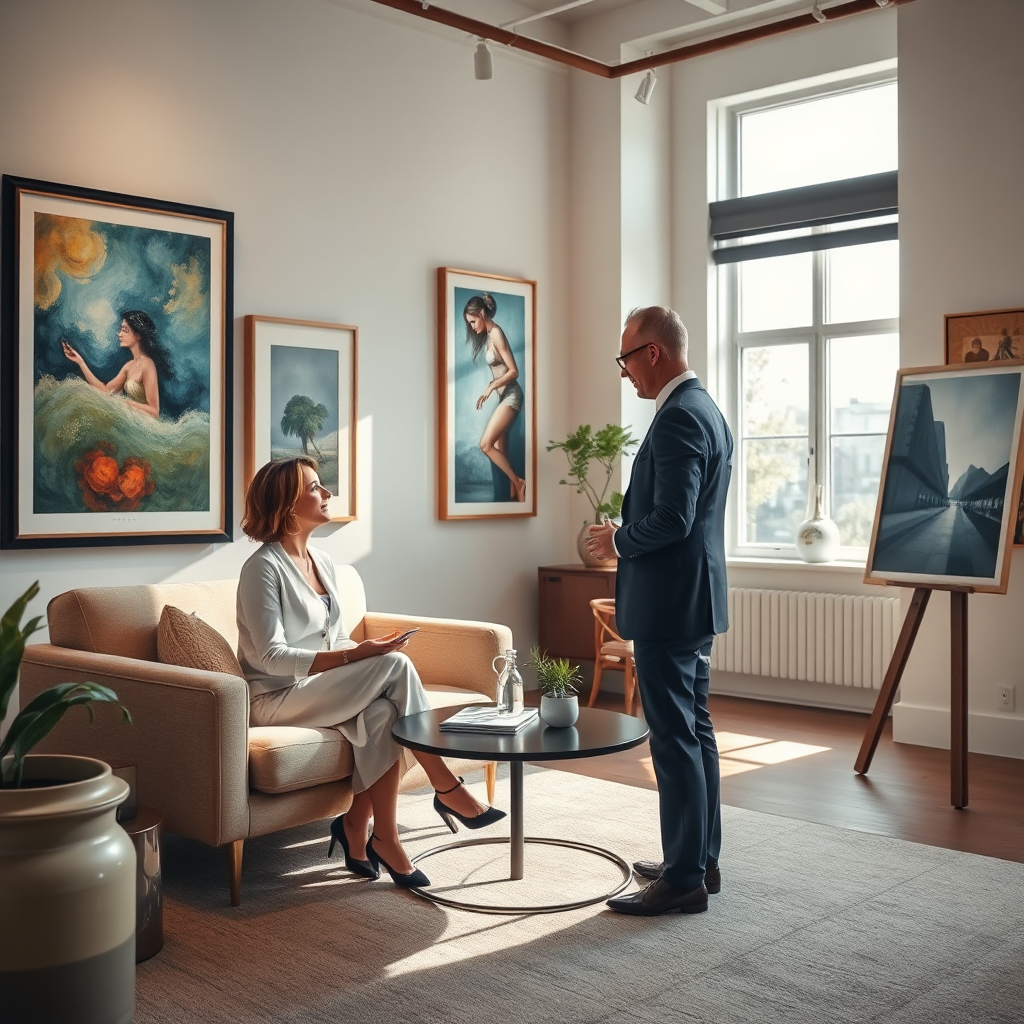
Art Consultations
Professional guidance for selecting and displaying artworks that enhance your space.



Arobiarts Studios transformed my space with their stunning artworks. Each piece tells a story and evokes emotion.
Emily Carter

The custom commission process was seamless. They truly captured my vision in the final artwork!
Michael Thompson
I love the diversity of art available. It’s like visiting a dream gallery every time!
Sophia Williams